

macOS / BY ALAKAZA
Pixettle
A new format. Same great photo.
A little less friction for your photos, screenshots, and graphics. Drop in a batch, choose a format, and save fresh copies—all right on your Mac.
macOS 13 Ventura or later · Apple Silicon & Intel
01 / THE INGREDIENTS
Bring the whole batch.
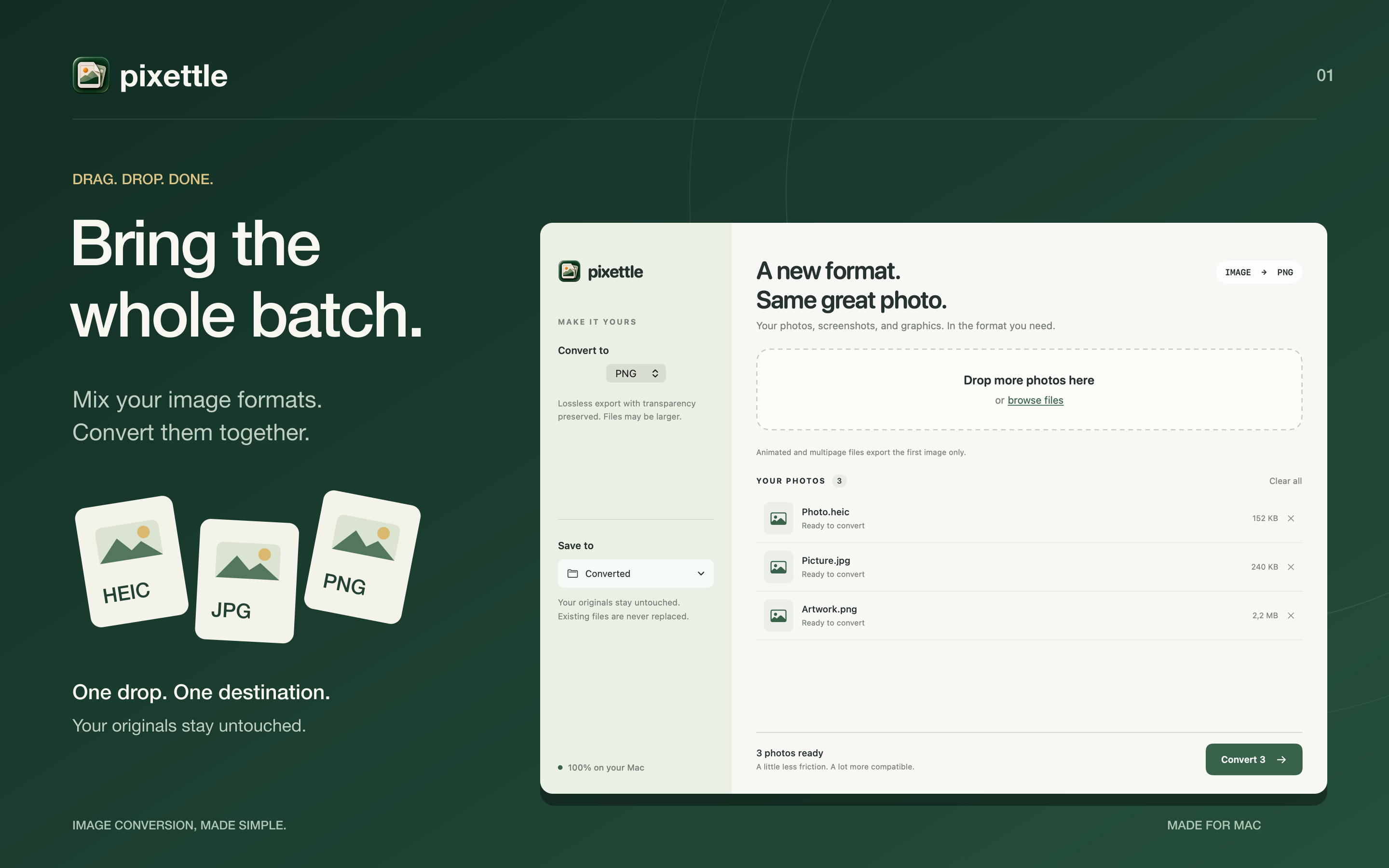
Drop multiple images into one queue. Choose one output format for the batch, then convert the same queue again in another format if you need it.
02 / THE INGREDIENTS
Your Mac does the work.
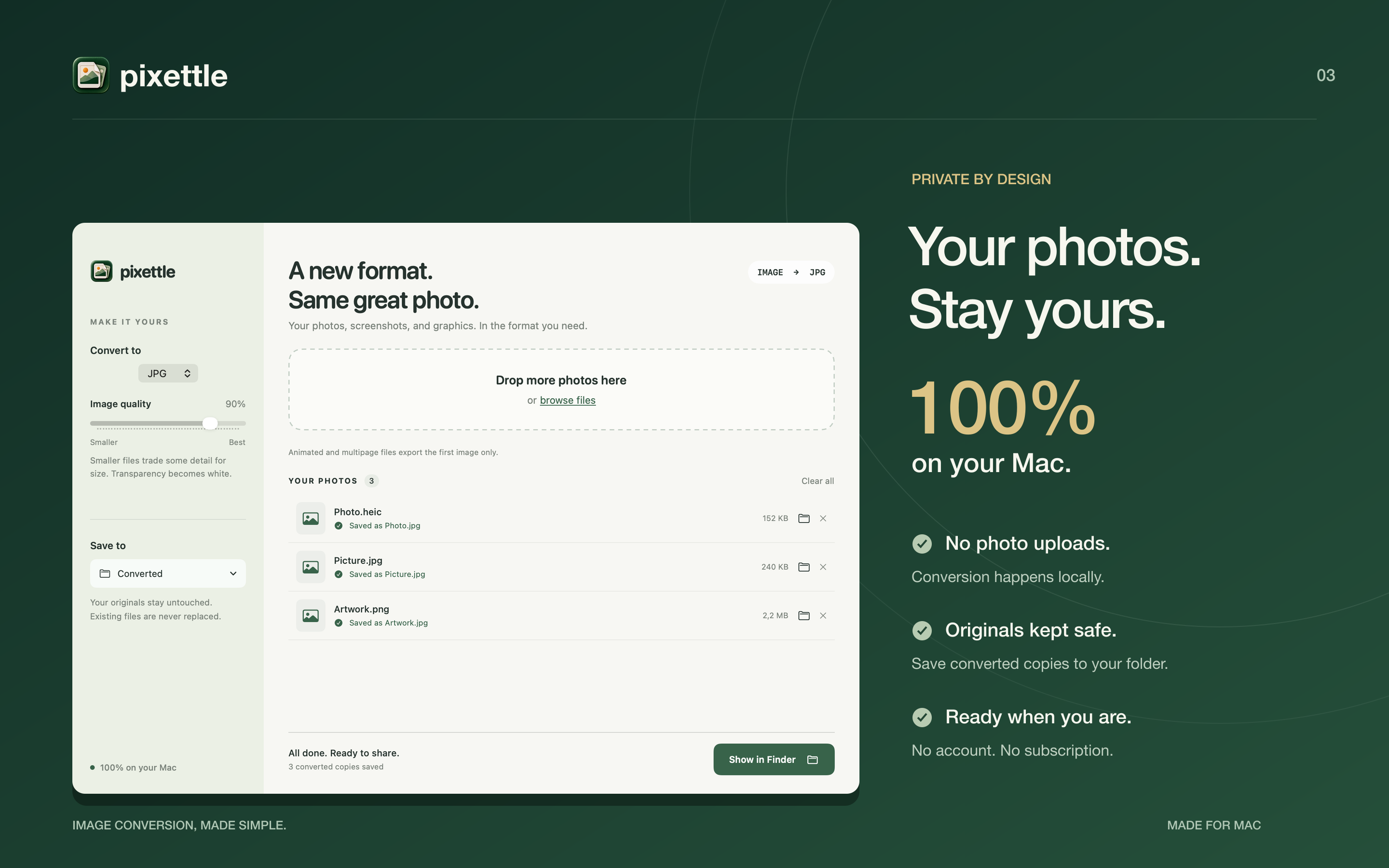
No uploads, no account, no internet connection needed for conversion. Your images are processed locally, using native macOS image tools.
03 / THE INGREDIENTS
Originals stay original.
Pixettle saves new copies in the folder you choose. It keeps image dimensions, applies photo orientation, and numbers filenames when a file already exists.
04 / THE INGREDIENTS
The right format, a little less fuss.
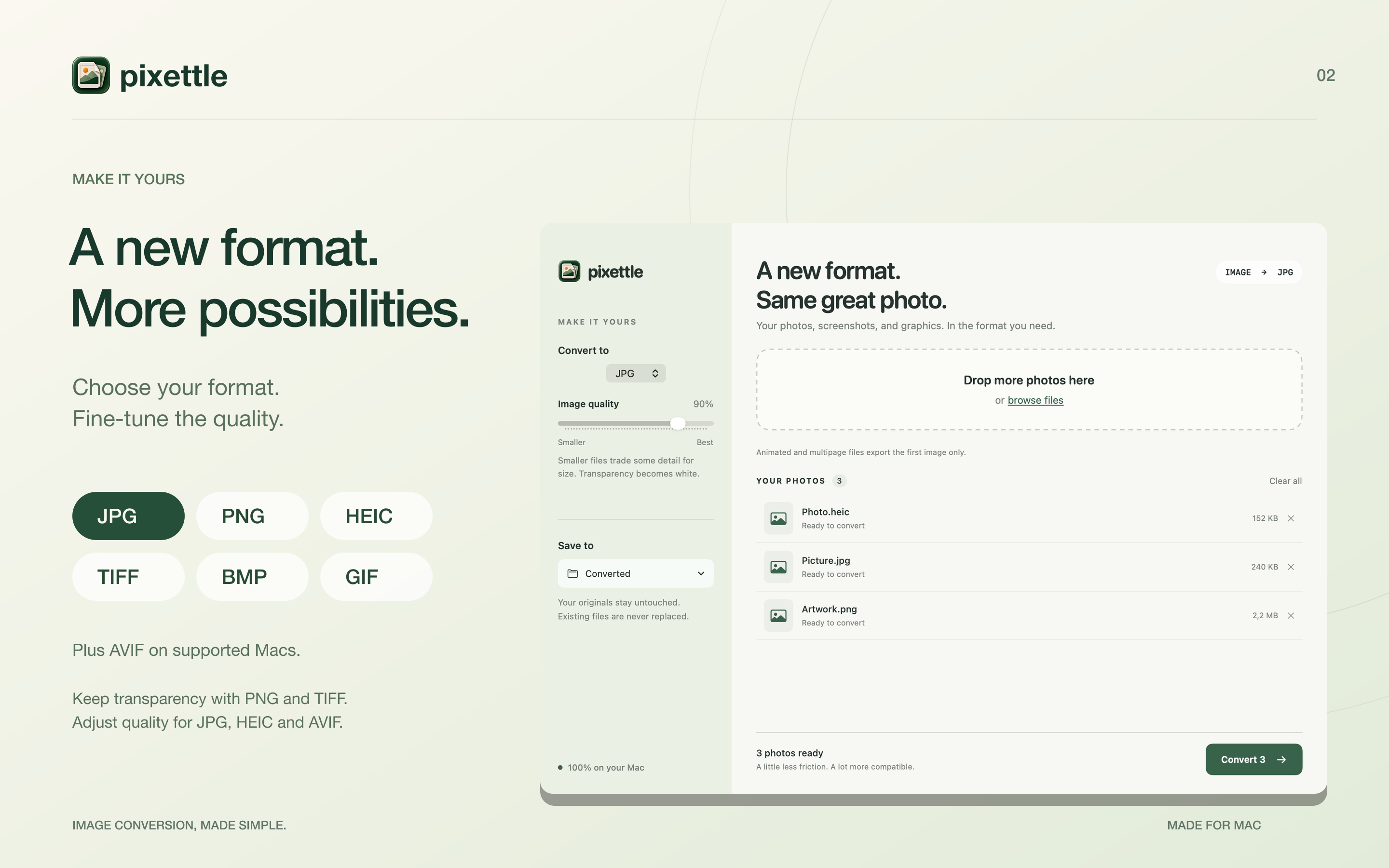
Export to JPG, PNG, HEIC, AVIF, TIFF, BMP or GIF when your Mac supports the format. Adjust quality for JPG, HEIC and AVIF, or choose PNG or TIFF to preserve transparency.
05 / THE INGREDIENTS
Just the image.
Exported copies omit embedded camera and location metadata. Animated and multipage files become a single still image using the first frame or page.
HERE WHEN YOU NEED A HAND